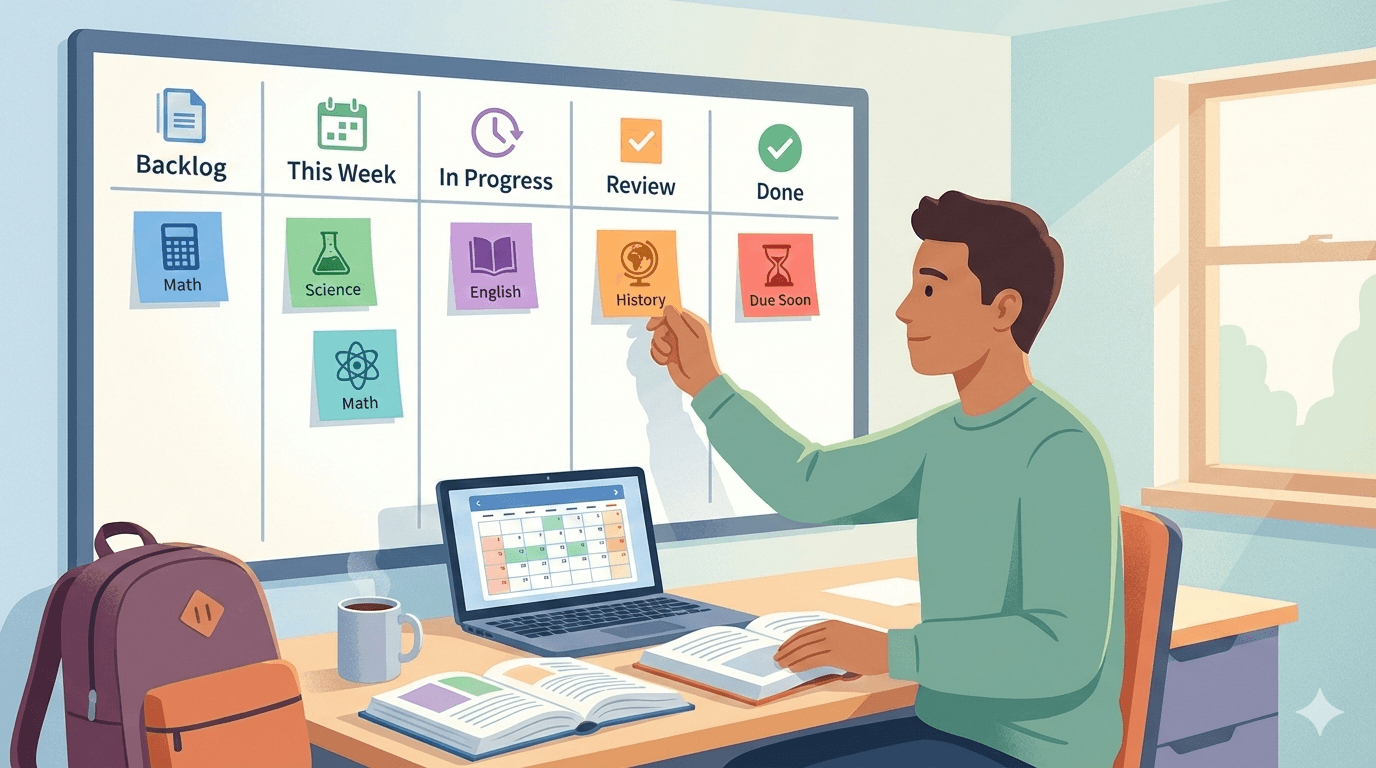
A personal kanban board for students turns assignments into visible stages from backlog through done. Put each assignment on a card, limit active work, and reset the board once a week so deadlines do not disappear inside a list.
The layout below assumes four or five modules running at the same time, with deadlines clustered rather than evenly spread. That is the situation lists handle badly.
Why the list stops working around week three
A semester to-do list starts honest. By the third week it holds forty items, half of them stale, and the two that matter are somewhere in the middle with no visual difference from the rest.
The specific failure is that a list has one state. An item is either crossed off or it is not, so a paper you have researched for six hours looks identical to one you have not opened. On a board those two cards sit in different columns, and the difference is visible from across the room.
How to set up a personal kanban board for students
Five columns, and each one earns its place:
Backlog | This Week | Doing (3) | Review | Done
Backlog holds every assignment for the whole term, added the day the syllabus lands. This Week holds what the current week actually requires. Doing holds work in progress, capped at three. Review holds finished drafts waiting for a proofread or a second look before submission.
Review is the column students most often leave out and most often need. Work that is written but unchecked is not finished, and giving it a column stops you counting it as done on Wednesday and rediscovering it at 11pm on Thursday.
The number in brackets is a limit on work in progress. Three is a reasonable starting point for coursework because the fourth thing you start is the one that gets abandoned. WIP limits explained goes into how to pick and adjust that number.
One card, one sitting
The most common mistake is a card called "Term paper". It sits in Doing for five weeks, which tells you nothing except that the paper is not written yet.
Split it at the points where the work changes shape:
Pick a question
Find five sources
Read and take notes
Outline the argument
Write the first draft
Revise after feedback
Format the citations
Each of those is finishable in one sitting, which means each one can move to Done and give you evidence that the paper is progressing. A card you can finish today gets started today. A card representing five weeks of work gets postponed, and the postponement feels rational every single time.
Tag by module, not by urgency
Colour tags work best mapped to modules, one colour per subject. The board then shows the balance of your workload without you counting anything: a wall of green means the statistics module is eating the term, which is a useful thing to notice in week five rather than week ten.
Tagging by urgency instead sounds appealing and degrades quickly. Everything becomes urgent as deadlines approach, so by mid-term every card carries the red tag and the tag has stopped carrying information. Deadlines belong on the card as a due date, where they stay accurate on their own.
The Sunday reset
Fifteen minutes, once a week, same slot. Move anything due in the coming week from Backlog to This Week. Clear the Done column so the board shows the current week. Push anything that did not happen back to This Week honestly rather than leaving it parked in Doing.
Then look at what is left and decide what will not happen. A week column holding nine cards when you finished four last week is a plan that has already failed, and deciding which card to drop on Sunday is considerably cheaper than discovering it on Thursday night.
Five ways to organize your week with a kanban board covers other layouts for the same reset if this one does not fit how your term runs.How to use a student kanban board during exam periods
During revision the work stops having stages and starts having confidence levels. Make a second board:
Not Started | Studying | Shaky | Confident
Each card is a topic rather than a task. Topics move right as you understand them, and the Shaky column is the whole point: it is a standing list of what to revise next, which removes the daily question of where to start.
The day before the exam, everything in Shaky is your revision plan and everything in Confident can be left alone. That is a better allocation than rereading chapter one for the fourth time because it is at the front of the folder.
When the board gets away from you
It will, usually in the week everything is due at once. The board goes stale, and opening it starts to feel like being told off.
The repair takes five minutes. Archive everything in Done. Move everything out of Doing back to This Week. Then pull in the two cards that are genuinely next and leave the rest alone. A board with two accurate cards beats a board with thirty cards from a fortnight ago.
If the kanban model is new, what Kanban is covers the mechanics in a few minutes. Minimal kanban for personal work is worth a look if the team framing of most kanban writing puts you off, and the Kanban Guide is the formal version of the method if you want the theory underneath it.
Frequently asked questions
How many columns should a student kanban board have?
Five works well for coursework: Backlog, This Week, Doing, Review and Done. The Review column is the one worth keeping even if you trim elsewhere, because unchecked work is not finished work. Start with three columns if five feels heavy and add Review the first time a draft catches you out.
Should I make one board per module or one board for everything?
One board for everything, with a colour tag per module. Separate boards hide the total workload, which is the number that actually determines your week. You want to see that four deadlines land in the same seven days, and only a combined board shows you that.
How do I stop the board from going out of date?
Fix a fifteen-minute slot once a week and treat it as unmovable. Most abandoned boards were never wrong about the work, they just stopped being updated. The weekly slot matters more than the column layout, the tags, or which tool you picked.
Does a kanban board work for group projects?
Yes, and it is better than a chat thread for the same reason it beats a list. Everyone sees which parts are claimed and which are stalled. Give each card an owner, keep the work-in-progress limit low, and use the Review column so nothing gets submitted unchecked.
What should I put on a card during exam revision?
Topics rather than tasks. "Integration by parts" is a card, "study maths" is not, because you cannot tell when the second one is finished. Move each topic through columns that describe confidence instead of stages, and revise whatever is sitting in the shaky column.
Related reading
- A simple Kanban system to reduce overwhelm
- Personal Kanban for goals and daily focus
- The Psychology of Calm Productivity
The board does not do the reading for you. It removes the twenty minutes at the start of every study session spent working out what to do next, and across a term that adds up to a lot of study sessions.