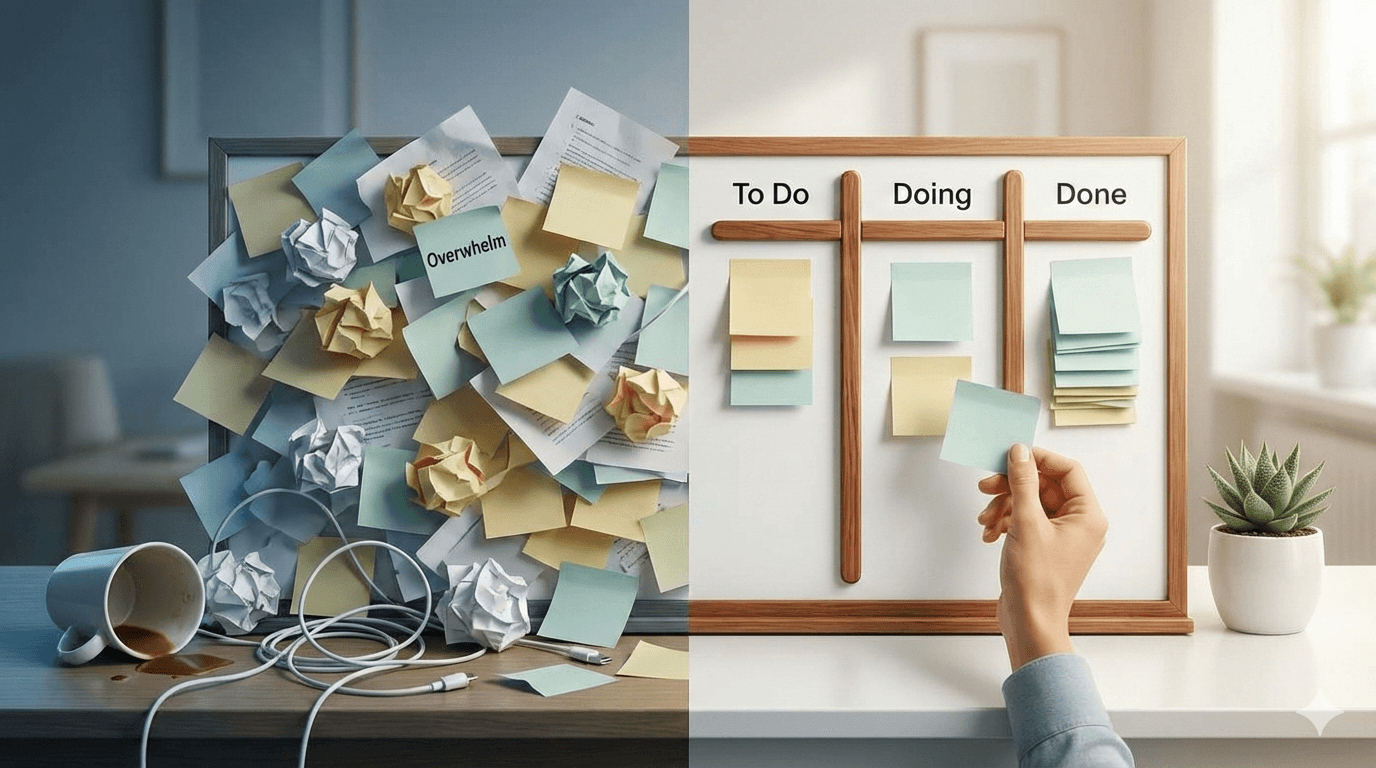
Do you ever look at your to-do list and feel paralyzed? Too many tasks, too many priorities, too many things screaming for your attention. The irony is that the more overwhelmed you feel, the less you actually get done.
This is where a simple kanban system can change everything.
Why To-Do Lists Create Overwhelm
Traditional to-do lists have a fatal flaw: they're a pile of infinite anxiety.
Every task sits there, waiting, equally urgent in its incompleteness. Your brain sees:
- 47 unchecked boxes
- No sense of progress
- No clear next action
- Just... more stuff
Your nervous system responds the only way it knows how: overwhelm, freeze, avoid.
The 3-Column Solution
Here's the simplest kanban system that actually works:
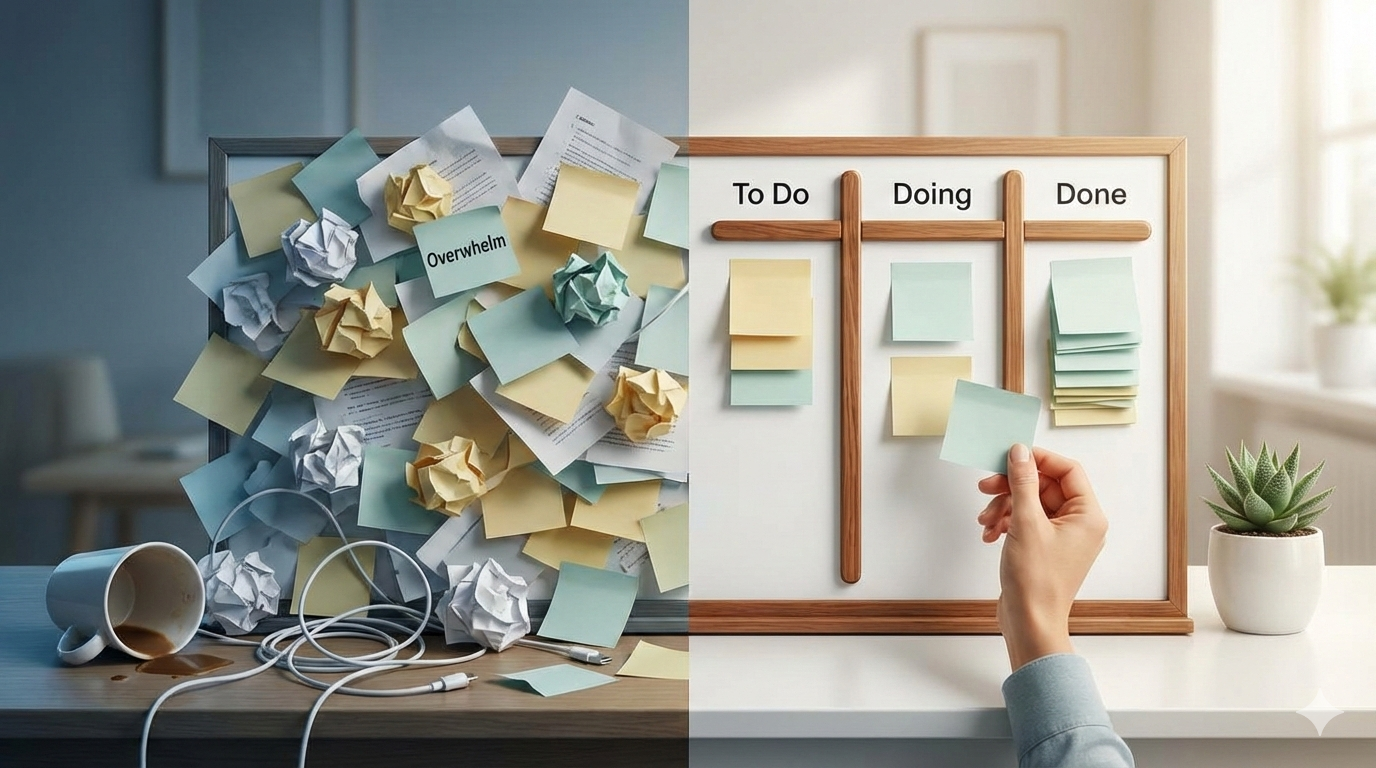
Column 1: To Do (Max 10 items)
Tasks waiting to be started. The key is the limit: never put more than 10 items here.Why? Because seeing 47 tasks is overwhelming. Seeing 10 is manageable.
Column 2: Doing (Max 3 items)
Tasks you're actively working on right now.Why only 3? Because multitasking is a myth. You can't truly focus on more than 2-3 things simultaneously. This forces you to finish what you start.
Column 3: Done
Completed tasks.This is your progress tracker. Unlike a to-do list where completed items disappear, this column grows throughout the day/week, giving you visible proof that you're making progress.
How to Set It Up (5 Minutes)
Step 1: Brain Dump
Write down everything on your mind. Don't organize, don't prioritize, just dump it all out.Step 2: Pick Your Top 10
From your brain dump, choose the 10 most important tasks for this week/month. Move them to "To Do."Everything else? Put it in a "Backlog" or "Someday/Maybe" list. Out of sight, out of mind.
Step 3: Start with 1-3 Tasks
Move 1-3 tasks from "To Do" to "Doing." These are what you're working on today.Step 4: Work Until Done
Finish what's in "Doing" before adding more. Move completed tasks to "Done."Step 5: Replenish Daily
Each day, move completed tasks to "Done" and pull new ones from "To Do" into "Doing."That's it. No complex rules, no overwhelming setup.
The Psychological Benefits
1. Visual Clarity
Instead of a mental fog of "everything I need to do," you see:- What's waiting (but limited)
- What you're doing now (focused)
- What you've accomplished (motivating)
Your brain can process this. It can't process 47 chaotic items.
2. Forced Prioritization
The 10-item limit in "To Do" forces you to prioritize ruthlessly. You can't just add everything—you have to choose.This is liberating. Not everything can be a priority. And that's okay.
3. Progress Visibility
Every day, the "Done" column grows. Even on hard days, you see proof that you moved things forward.This fights the overwhelm narrative ("I never get anything done") with visible evidence ("Look, I did 5 things today").
4. Protected Focus
The 3-item limit in "Doing" prevents context-switching chaos. You can't start new things until you finish what's in progress.This creates completion momentum. Finished tasks feel good, which motivates you to finish the next one.
Common Overwhelm Scenarios
Scenario 1: "I have 100 tasks and don't know where to start"
Solution:- Put everything in a backlog
- Pick the 10 most impactful tasks for this week
- Put those in "To Do"
- Start with the easiest one (build momentum)
- Ignore everything else for now
Scenario 2: "Everything feels urgent"
Solution:- Ask: "What's actually urgent vs. what feels urgent?"
- True urgency: deadlines, commitments, emergencies
- False urgency: emails, notifications, other people's priorities
- Put only true urgencies in "Doing"
- Schedule time for the rest
Scenario 3: "I can't stop thinking about unfinished tasks"
Solution:- Write them down in "To Do" or Backlog
- Trust the system to remind you later
- Focus only on what's in "Doing"
- Use the "Done" column to reassure yourself of progress
Scenario 4: "I get distracted by new shiny tasks"
Solution:- When a new task appears, add it to Backlog
- Don't move it to "To Do" immediately
- Review backlog weekly
- Only pull in new tasks when you've finished current ones
Advanced Calming Techniques
Once you've mastered the basics, try these:
Time-Boxing "Doing"
Instead of just 3 tasks in "Doing," add time estimates:- "Write report (2 hours)"
- "Call client (30 min)"
- "Review designs (1 hour)"
This makes your day feel finite. You're not doing "everything"—you're doing "3.5 hours of work." Much less overwhelming.
Weekly Reset Ritual
Every Sunday or Monday:- Review what moved to "Done" last week (celebrate!)
- Clear old "Done" items (or archive them)
- Pull 10 new tasks from Backlog to "To Do"
- Choose 3 for today's "Doing"
This creates a fresh start feeling instead of infinite accumulation.
The "Not Now" Column
Add a fourth column: "Not Now"Use it for:
- Tasks that depend on other people
- Things waiting for information
- Ideas that aren't ready yet
Moving items here removes them from your active view without deleting them. Very calming.
What If I Still Feel Overwhelmed?
If the simple system isn't working, ask yourself:
Are you overcommitted?
Maybe you genuinely have too much to do. The kanban board didn't create that problem—it just made it visible. Solution: Start saying no. Delegate. Renegotiate deadlines.Are your tasks too big?
"Launch new website" is overwhelming. "Write homepage copy" is doable. Solution: Break big tasks into small, concrete actions. Put only the small actions on your board.Are you a perfectionist?
If nothing ever moves to "Done" because it's not "perfect," that's not a kanban problem—that's a mindset problem. Solution: Set "good enough" standards. "Done is better than perfect."Are you avoiding something?
Sometimes overwhelm is procrastination in disguise. Solution: Identify the scary task. Do it first. Everything else will feel easier.The Real Secret
Here's what makes this system work: it externalizes your mental load.
Instead of holding everything in your head (exhausting), you put it on the board (visible, manageable).
Instead of an infinite to-do list (paralyzing), you have a limited, prioritized workflow (achievable).
Instead of chaos, you have calm.
Start Today
You don't need a fancy tool. You can do this with:
- Sticky notes on a wall
- A whiteboard with 3 columns
- A simple digital kanban board without registration like EasyKanban
The tool doesn't matter. The system matters.
Three columns. Limited work in progress. Visible progress.
That's all you need to turn overwhelm into calm, focused productivity.
Ready to try it? Start with a free kanban board - Just three columns and your tasks. Sometimes the simplest solutions work best.