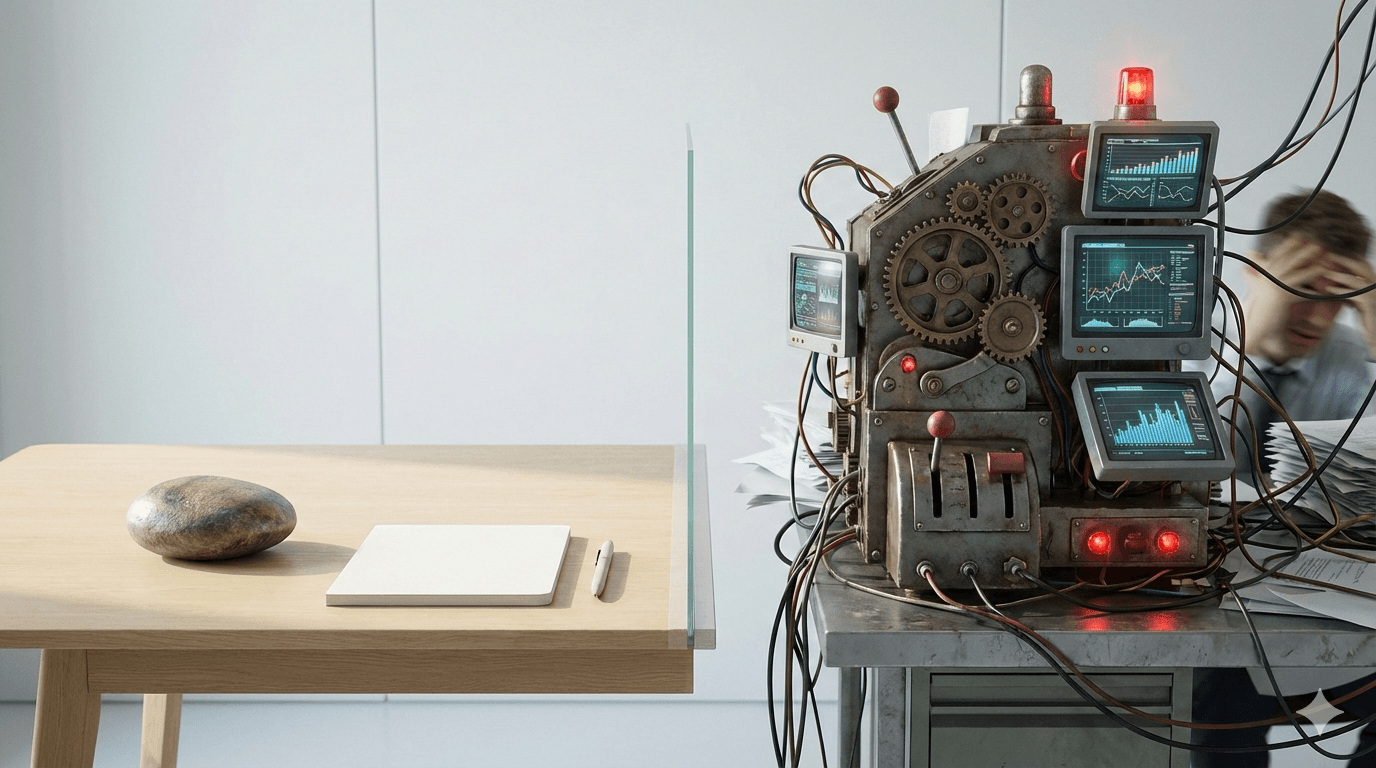
There's a paradox in modern productivity: the more features a tool has, the less productive we often become. While enterprise project management suites promise to solve all your problems, many teams and individuals are discovering that simpler, minimalist tools actually help them get more done.
The Feature Bloat Problem
Big project management platforms like Asana, Monday.com, or enterprise Jira installations come packed with features. If you are comparing a simpler workflow with Asana, see Asana Alternative Free: When Kanban Is Enough.
They come packed with features:
- Custom fields and forms
- Automation rules and workflows
- Time tracking and reporting
- Resource management
- Gantt charts and timelines
- Portfolio views
- Integrations with 100+ tools
- Advanced permissions and roles
Sounds impressive, right? But here's the catch: most people only use 10-20% of these features.
The rest? They're just noise—menu items you'll never click, settings you'll never configure, and complexity you don't need.
Why Minimalist Tools Win
1. Zero Learning Curve
When you open a minimalist kanban board, you see exactly what you need:
- Columns for your workflow stages
- Cards for your tasks
- Drag-and-drop to move things forward
No tutorials. No training videos. No 50-page documentation. You can start working in 30 seconds.
Compare that to enterprise tools that require:
- Onboarding sessions
- Admin training
- Ongoing support
- Regular "how do I..." questions from team members
2. Mental Clarity
Every feature in a tool is a decision you have to make:
- Should I add a custom field for this?
- Do I need to set up an automation?
- Which view should I use today?
- Am I tracking this the "right" way?
These micro-decisions create decision fatigue. By the time you've configured your perfect workflow, you're mentally exhausted.
Minimalist tools eliminate this. You have:
- Tasks to do
- A place to put them
- A way to track progress
That's it. Your brain can focus on the actual work, not the tool.
3. Speed Over Power
Big tools are powerful, but power comes at a cost: speed.
- Slower page loads (handling all those features)
- Cluttered interfaces (showing all those options)
- More clicks to do simple things
- Frequent updates that break your workflow
Minimalist tools are fast because they do less. And fast tools get out of your way, letting you maintain flow state.
4. No Feature Creep
Here's what happens with feature-rich tools:
Week 1: "This is great! Look at all these features!" Month 1: "I should really set up those automations everyone talks about..." Month 3: "Why is this so complicated now?" Month 6: "Maybe we're using this wrong?"You start simple, then feel pressured to use more features "properly." Before long, you've built a complex system that no one understands.
Minimalist tools prevent this. You can't over-engineer what isn't there.
Real-World Comparisons
Scenario: Freelancer Managing 3 Clients
With Enterprise PM Tool:- 30 minutes setting up workspace
- 15 minutes creating custom fields
- 10 minutes per client configuring permissions
- 20 minutes explaining to clients how to use it
- Weekly maintenance of "the system"
- 1 board per client
- 3 columns: To Do, Doing, Done
- Share link with client
- Start working
Scenario: Small Startup Team (5 people)
With Enterprise PM Tool:- Subscription: $50-100/month
- Admin time: 2 hours/week
- Team training: 4 hours initially
- Tool friction: "Which view are we using?"
- Update disruptions: Monthly
- Subscription: €6/month flat for the whole team (not per seat)
- Admin time: 0 hours/week
- Team training: "Drag cards left to right"
- Tool friction: None
- Update disruptions: Rare, invisible
When You Actually Need the Big Tools
Let's be honest: minimalist tools aren't for everyone.
You might need enterprise PM software if you:
- Have 50+ team members across departments
- Need complex resource allocation
- Require detailed time tracking for billing
- Must generate compliance reports
- Have intricate permission requirements
- Manage portfolios of interconnected projects
But here's the key insight: most individuals, freelancers, small teams, and even many mid-size companies don't need these features.
The Minimalist Advantage
Minimalist tools succeed because they:
- Respect your time - No setup, no maintenance, no "system optimization"
- Respect your attention - Show only what matters, when it matters
- Respect your intelligence - You don't need 100 features to stay organized
- Get out of your way - The tool becomes invisible, leaving only your work
Making the Switch
If you're drowning in feature-rich software, try this experiment:
- List the features you actually use weekly
- Ask: "Could I do this with a simpler tool?"
- Try a minimalist alternative for two weeks
- Notice how much mental energy you get back
You might be surprised how little you miss the complexity.
The Bottom Line
Big project management tools aren't bad—they're just often unnecessary. Like bringing a Swiss Army knife to cut a piece of paper when scissors would do.
Minimalist tools work better because they:
- Start working immediately
- Keep working without maintenance
- Never get in your way
- Let you focus on what actually matters: getting things done
Sometimes, the best tool isn't the one with the most features. It's the one that lets you forget it exists and just work.
Ready to try minimalist project management? Try EasyKanban - A calm, simple kanban board that gets out of your way. There is a kanban board with no signup if you want to test it first.